← All ideas
How to get every query a site has shown for in Google?
As you know, Google Search Console caps report exports at 1,000 rows.

However, this limit can be worked around using the Search Analytics API.
The simplest way is to use Google Data Studio — now renamed Looker Studio — https://datastudio.google.com/
Step-by-step guide to getting all the data
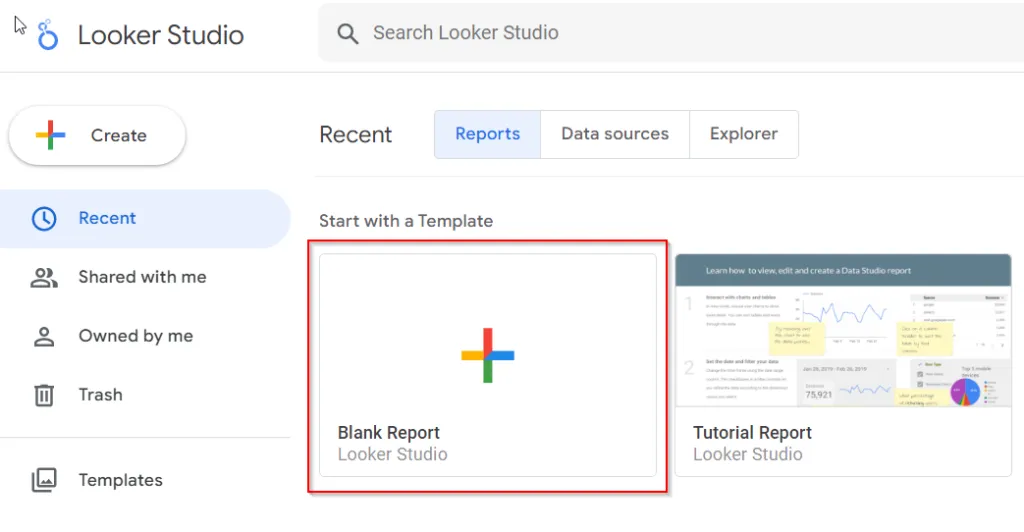
1. Open the tool and choose “Create blank report”.
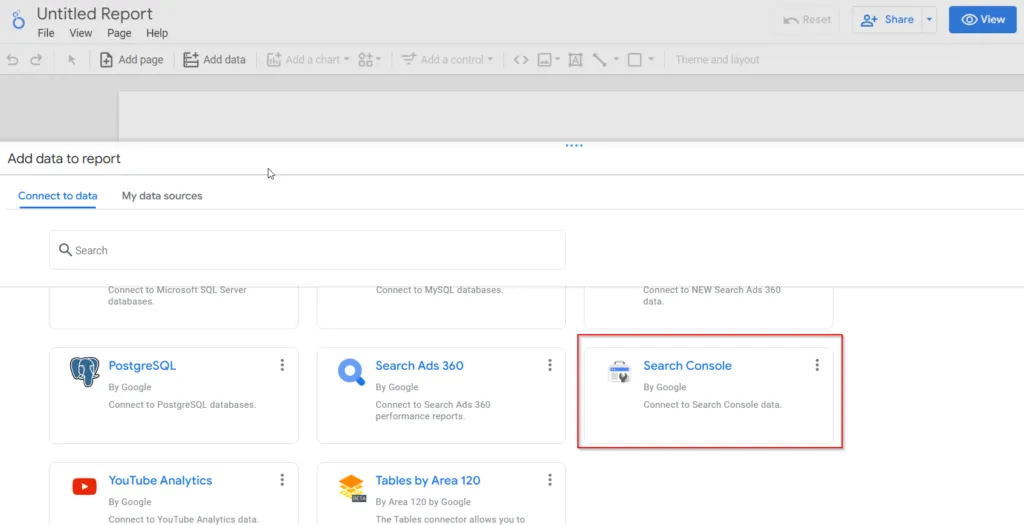
2. In the next window, pick the Search Console data source.
3. Choose the GSC entity you want data for.
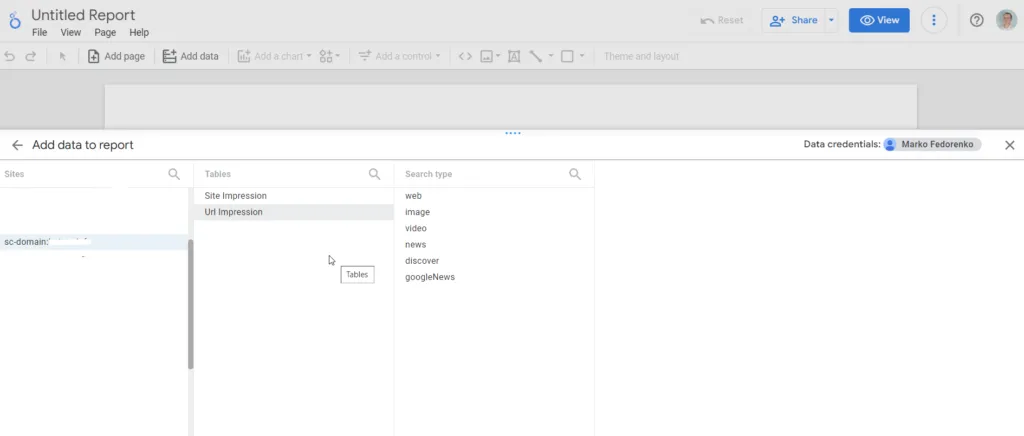
If you want the data in a query-URL format, choose the URL Impressions table option. If URLs aren’t important for the analysis and you’re interested in domain-level data, choose Site Impressions.
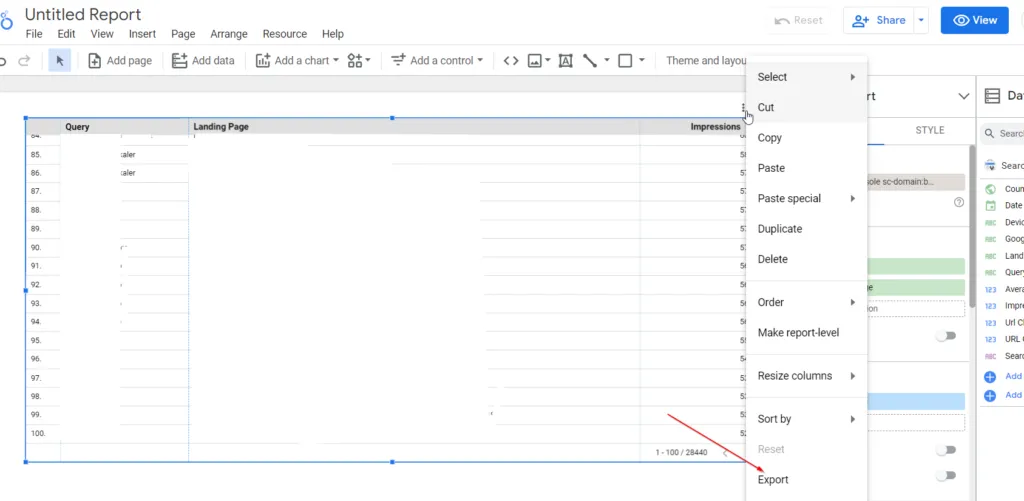
3. Build a data table with Dimensions: Query, Landing Page and Metric: Impressions.
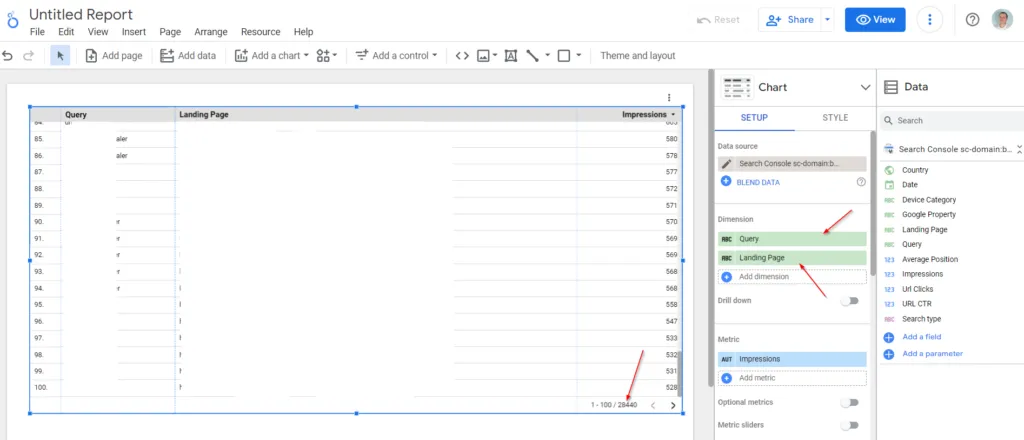
So we managed to pull 28,440 rows of data.
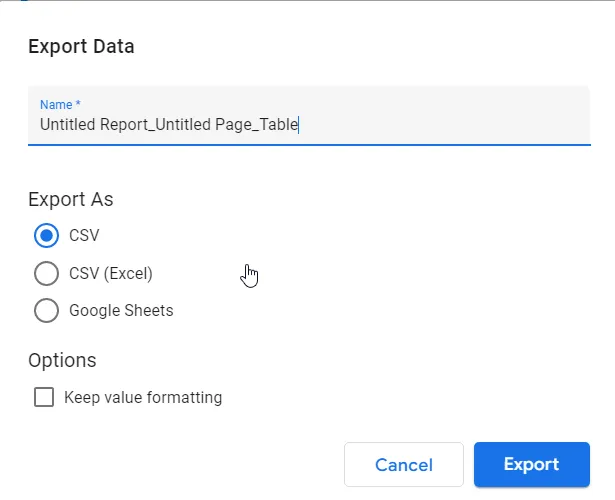
4. Next, we can export this table to CSV or Google Sheets.
Enjoy.
