How to view someone else's page as Googlebot
Ever since Google changed the user-agent of its testing tools, what we see in them may not match reality at all.
To demonstrate the essence of the problem, I created a page:
https://marko-f.com/tools/seving/google.html
When a regular user visits this page, the HTML document served is this:
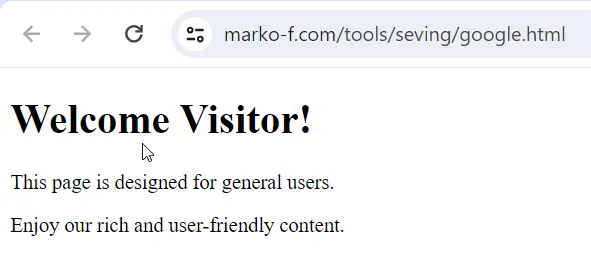
But if the request is made by Googlebot, the content is completely different.
Next step: checking the GSC Live Test
Let’s look at what we get when we request testing:
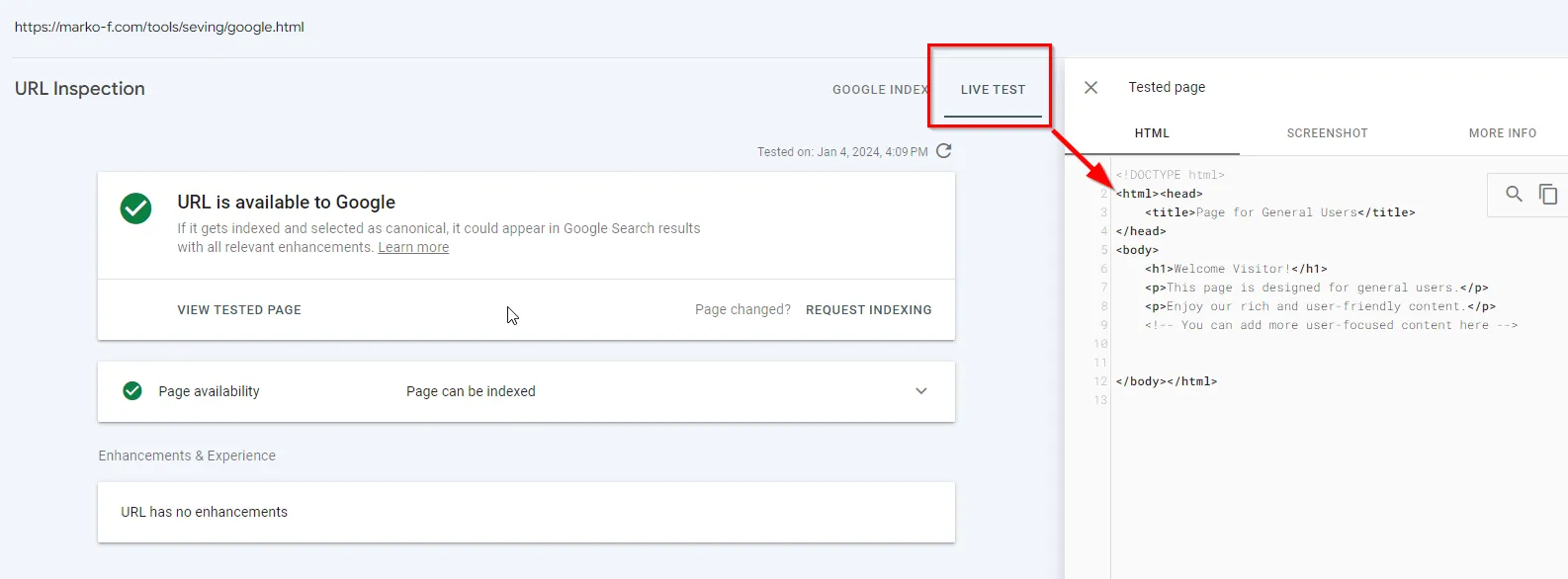
Because the testing tools no longer identify themselves as Googlebot, the results we get don’t match what Googlebot actually receives.
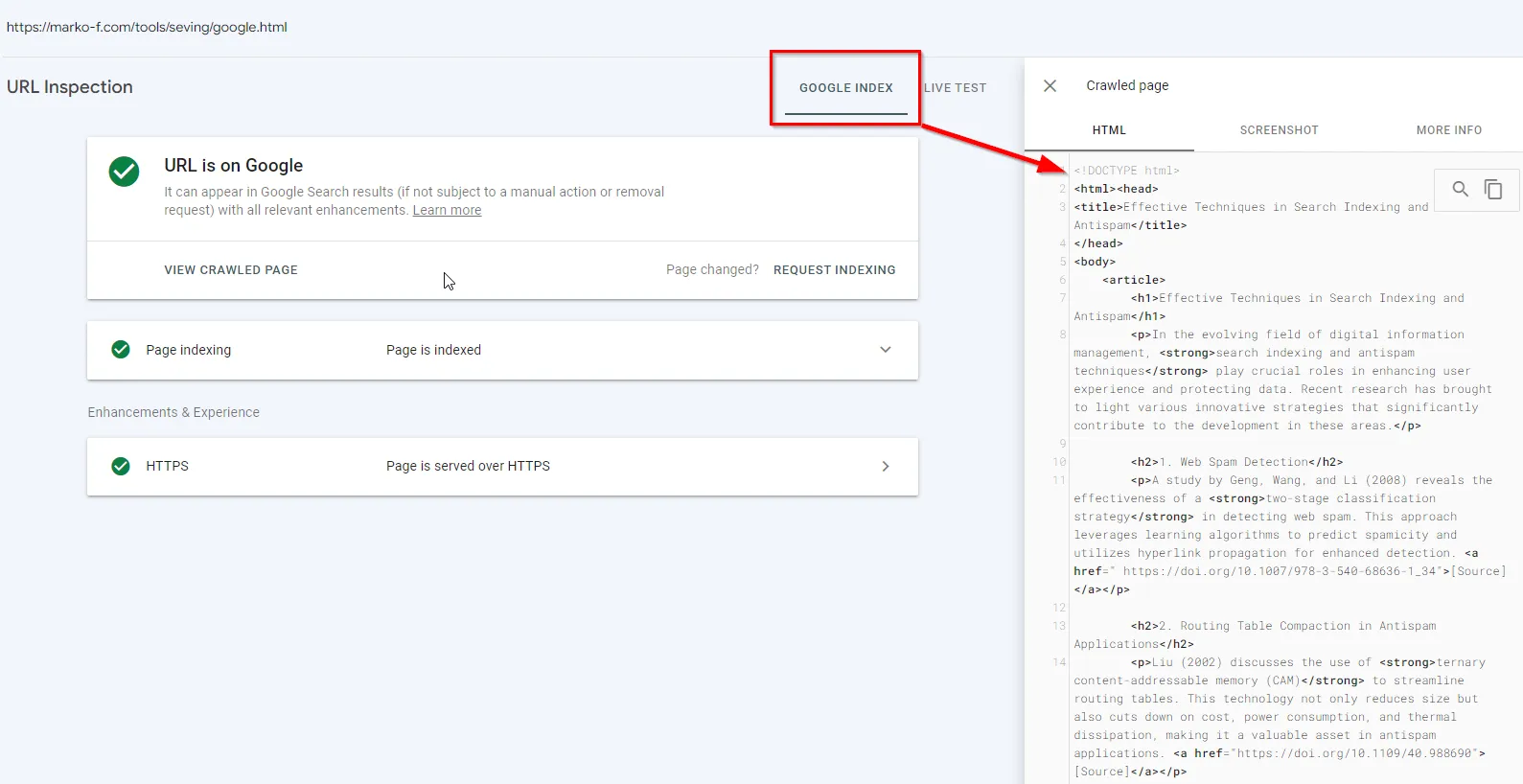
So now the testing tools require double verification to be sure there are no special server configurations where the code served to the Googlebot user-agent differs from what a typical client receives.
The first idea that comes to mind is, of course, Google’s cache. This test page is fresh, so we can look at how it’s cached:
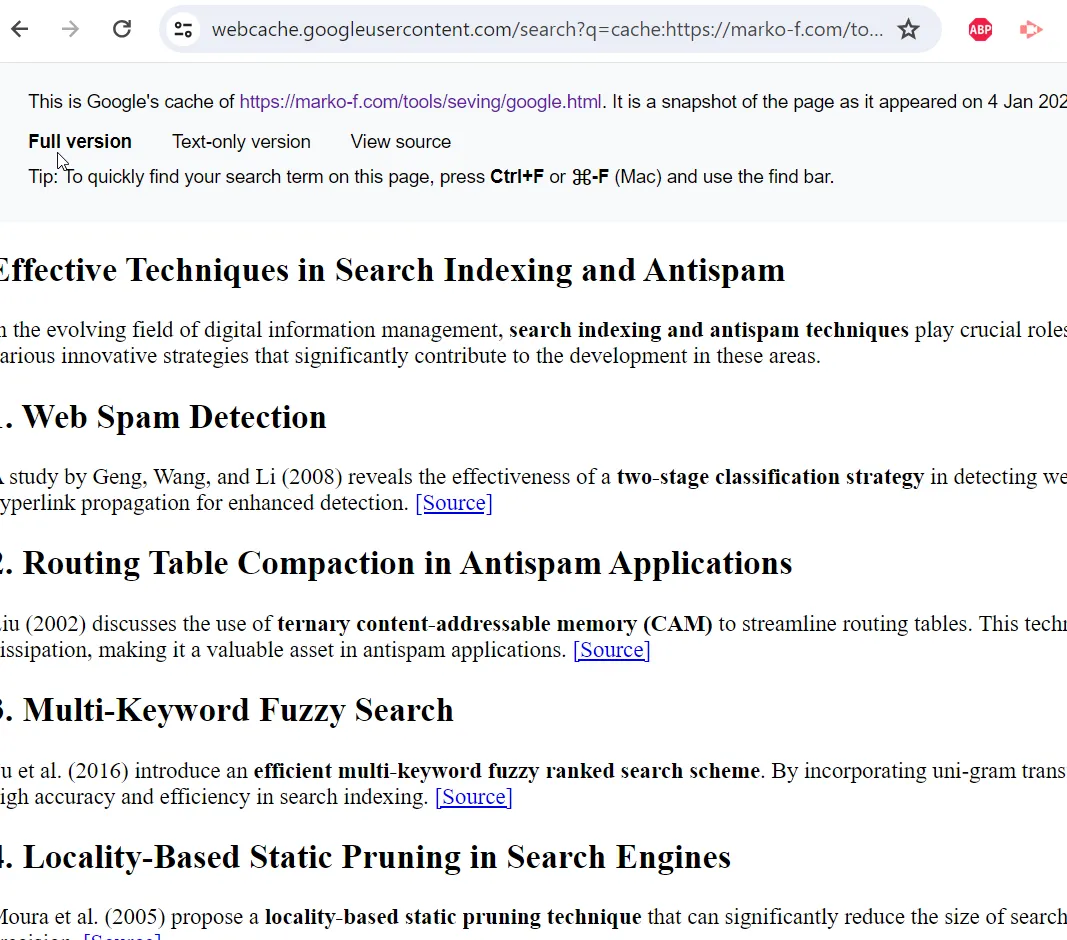
As we can see, the cache holds the version processed by Googlebot. Keep in mind that the cache stores the first available version of the HTML — this can be either the raw-as-fetched or the rendered HTML.
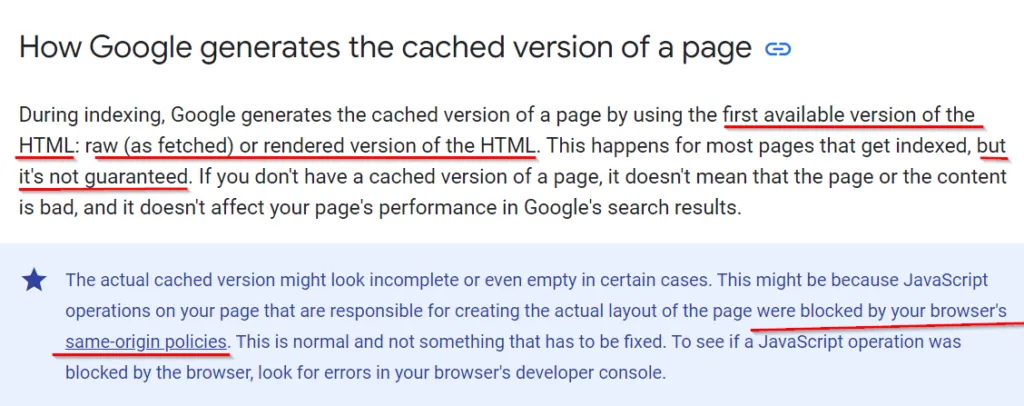
At the same time, it’s worth remembering that you shouldn’t evaluate a cached page visually, since rendering may be broken by browsers’ same-origin policies. So the cache can give us some informative data, but we have no guarantee of its validity or currency. And of course, if the site we want to inspect has
then we won’t see anything.
Checking with an iframe
On Screaming Frog there’s an article with an interesting suggestion from Dan Sharp on how to make a request as Googlebot. Thanks to Olesia Korobka for sharing the link. So let’s continue the test by creating, on a third-party domain, a page that pulls our page’s content in via an iframe. The first problem I ran into was indexing this page.
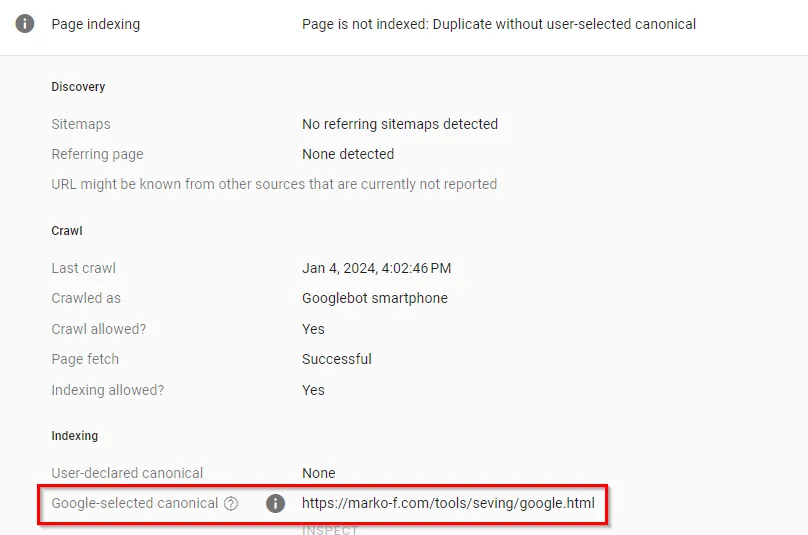
So I go to ChatGPT, generate a bit of content to pad the page out with a different title, and come back with an indexing request.
I run a Live Test:
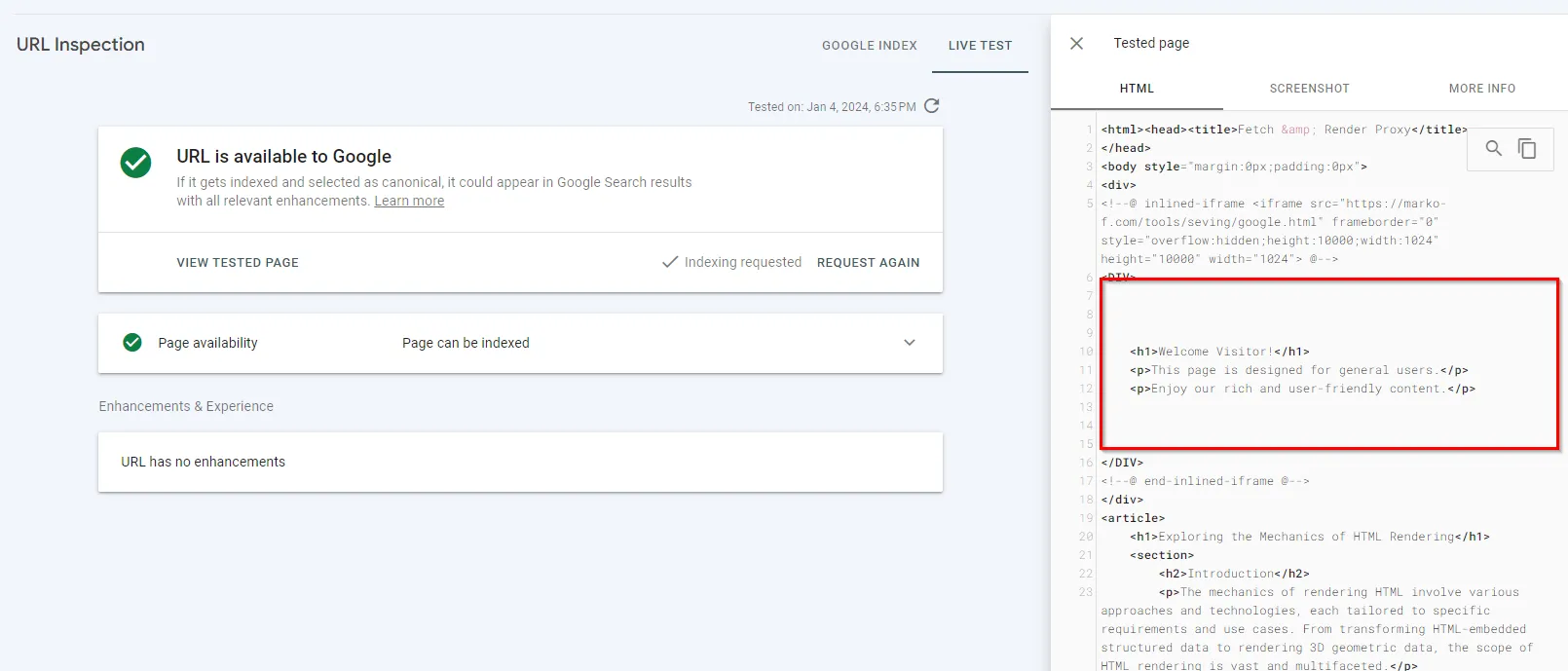
In this case the result is basically the same as testing via GSC. After indexing, unfortunately, the screenshot shows that Googlebot commented out the iframe:
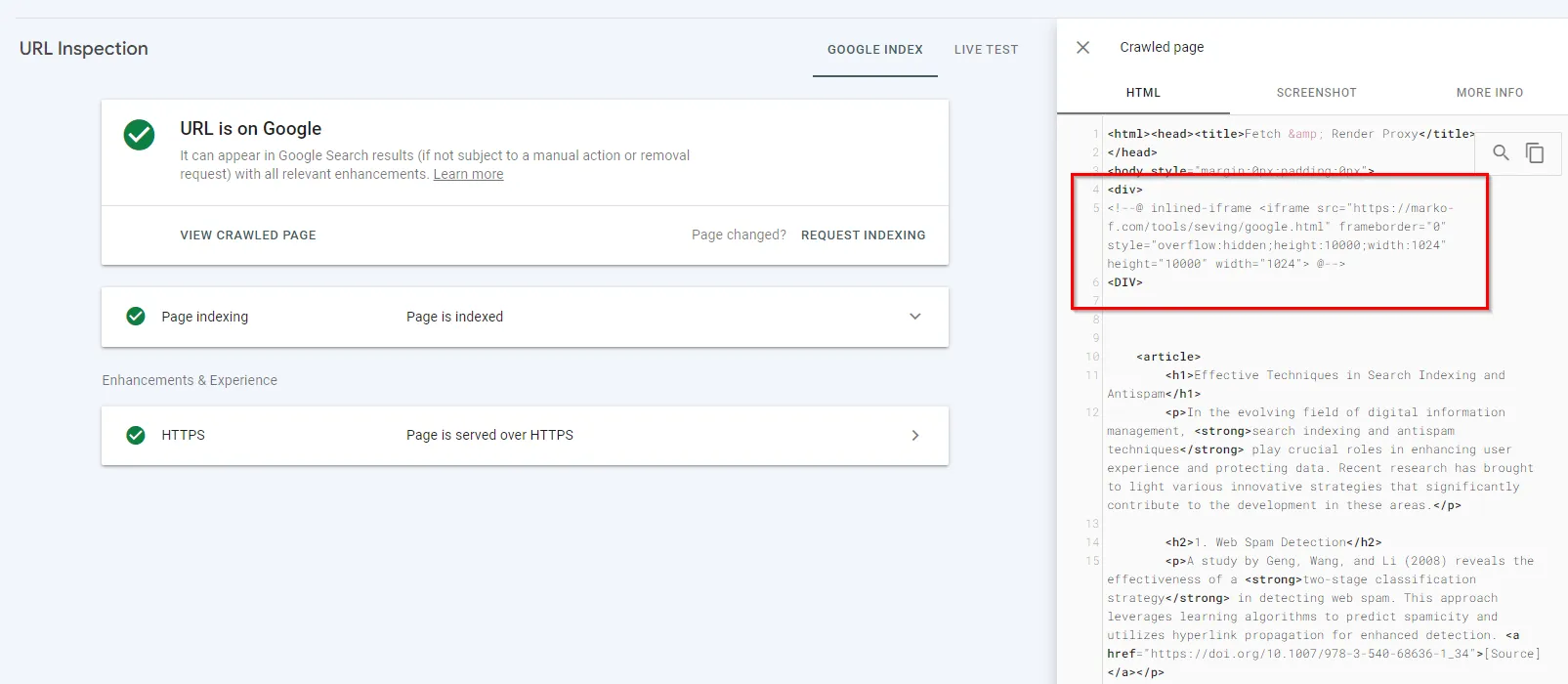
However, it added a div block containing my content — the content that is served only to the Googlebot user-agent.
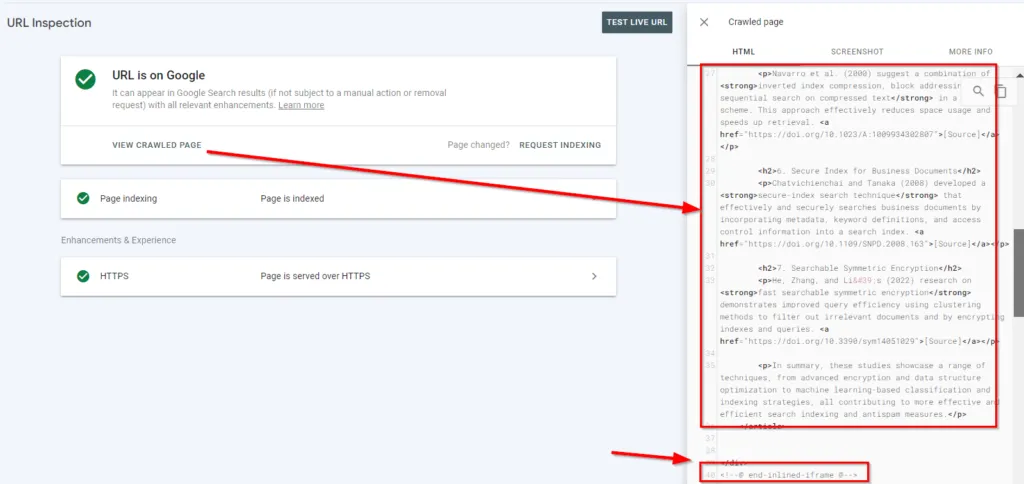
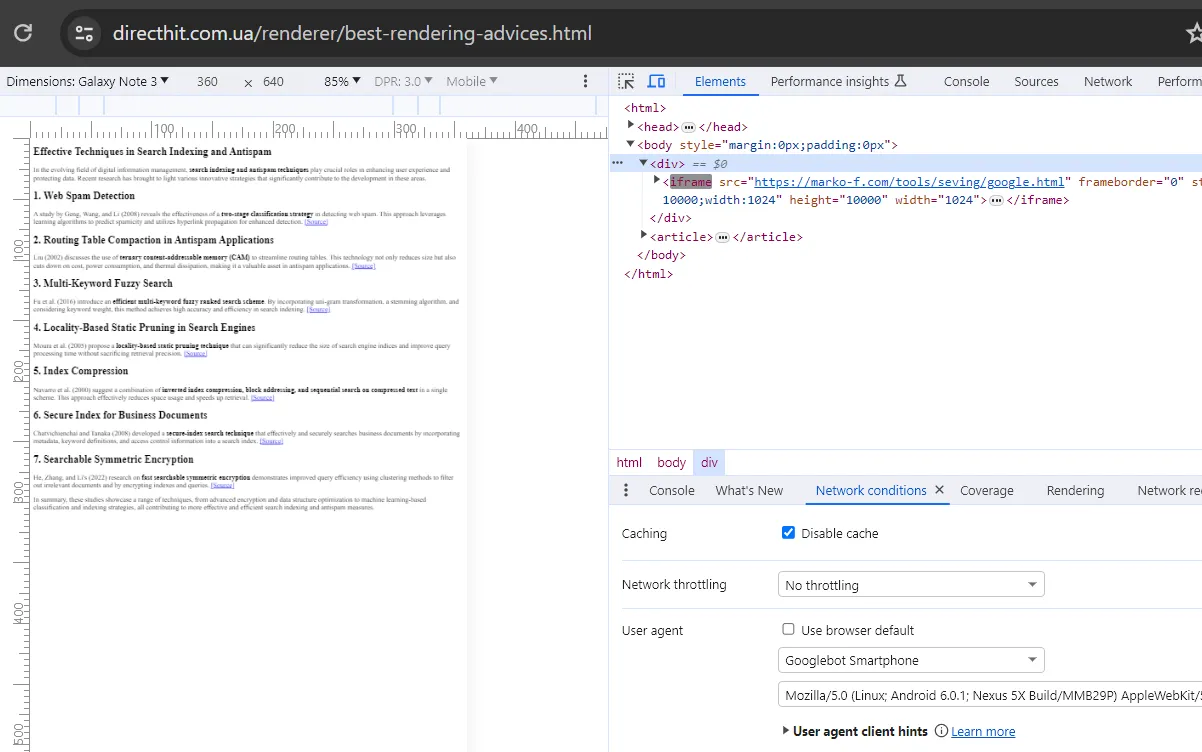
So this method can also be considered valid for inspecting how third-party sites’ HTML is processed.
Let’s continue testing with other ways of integrating HTML into a page:
For this I create another page with fresh filler content for indexing and embed my test URL into it. Live Test result:
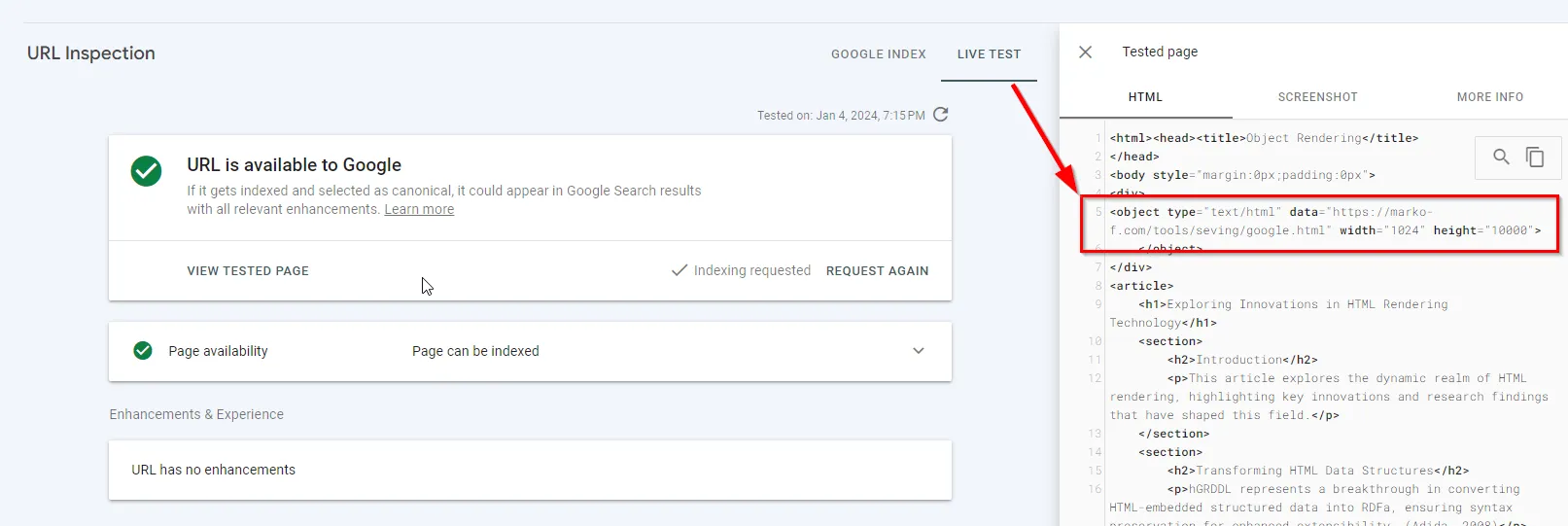
The tested page’s code wasn’t integrated into the HTML DOM, but in the visual test everything works as it should.
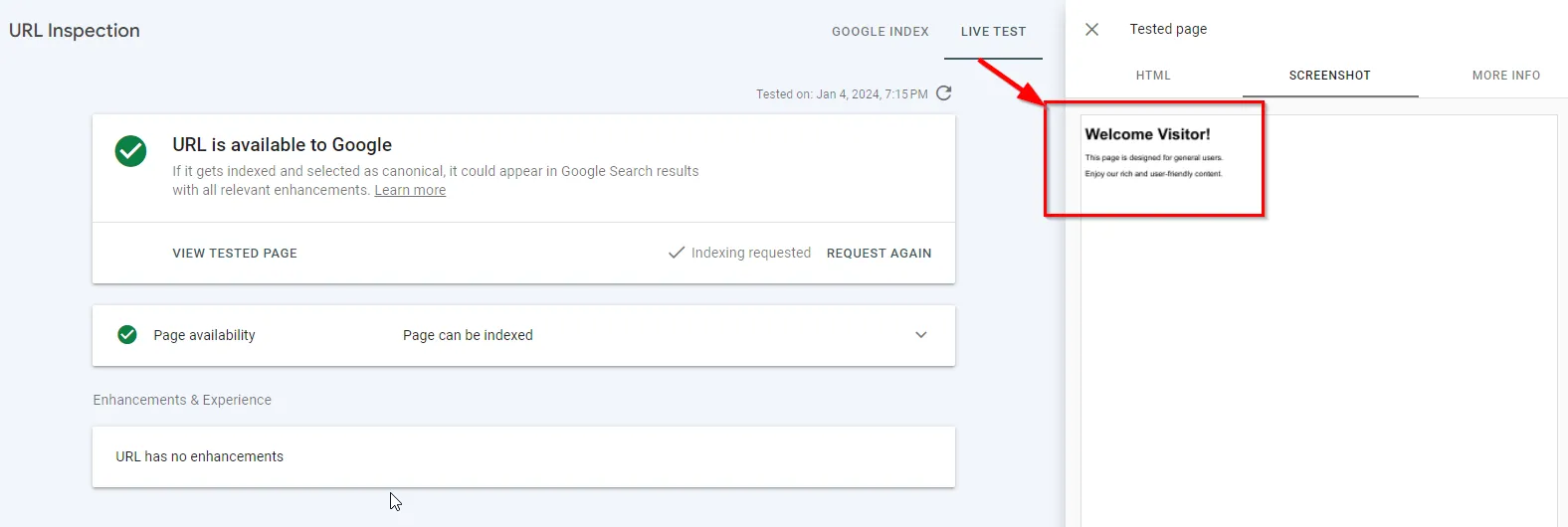
Same story in the indexed version.
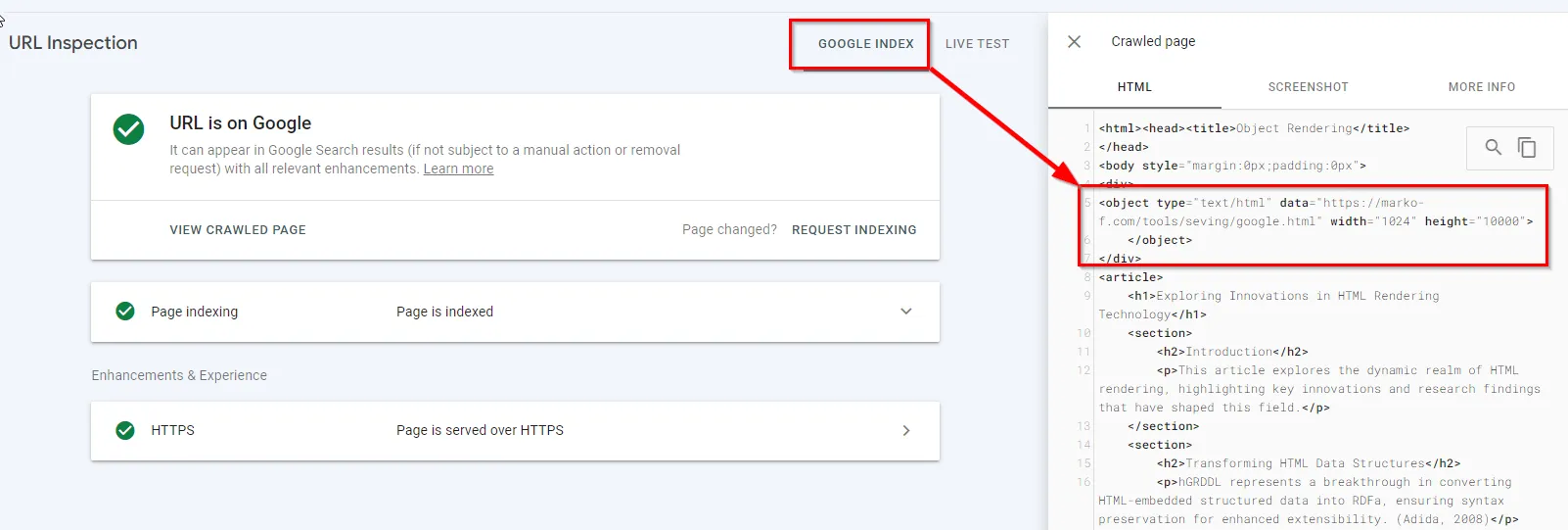
Let’s try integration via Ajax too. The browser won’t allow it because of the CORS policy, but Googlebot might hypothetically ignore that and process the JS. Looking at the Live Test — and it’s a fail:
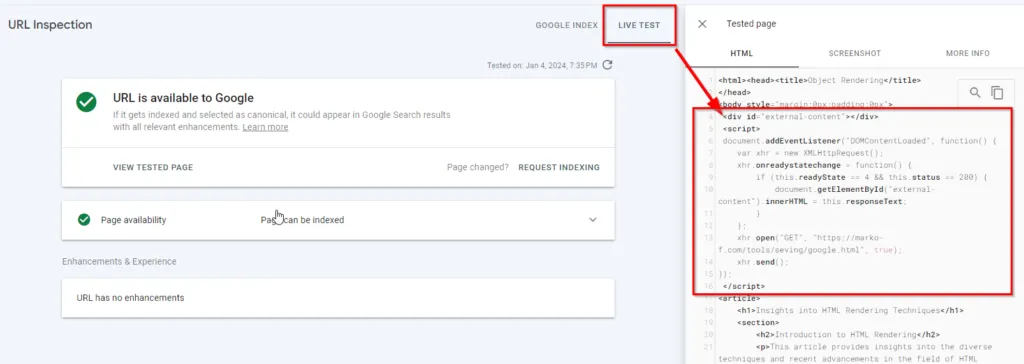
Moving on to the indexed code:
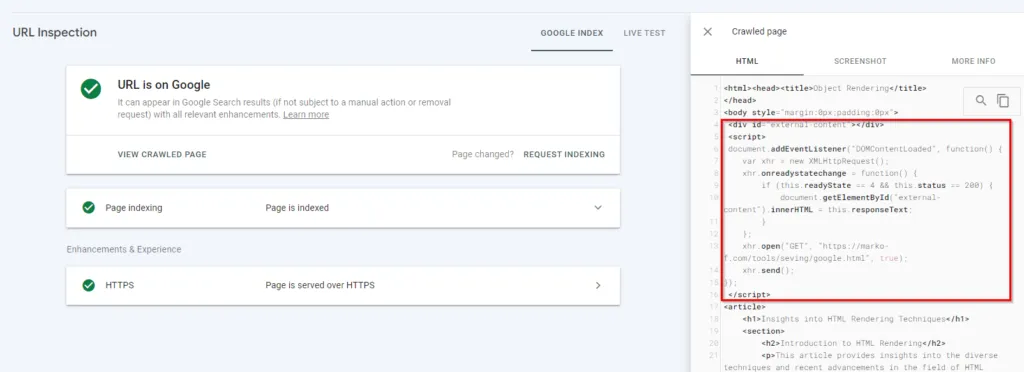
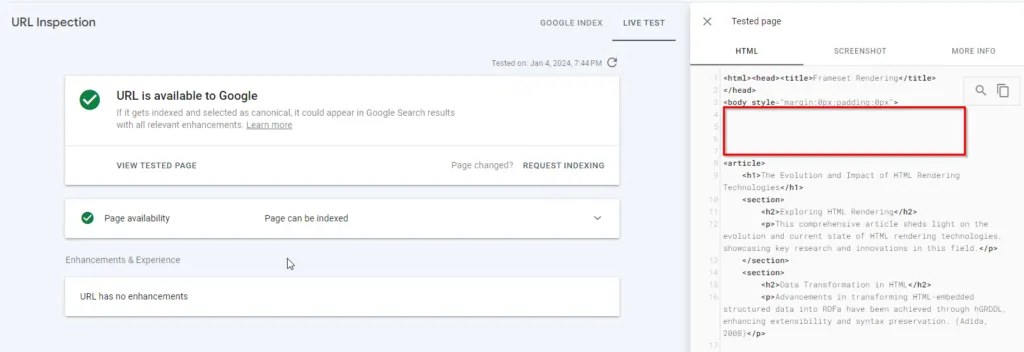
And we get the same result. Let’s try the outdated frameset — and here’s a rather interesting case. The browser automatically stripped it from the code: That is, it’s present in the server’s response
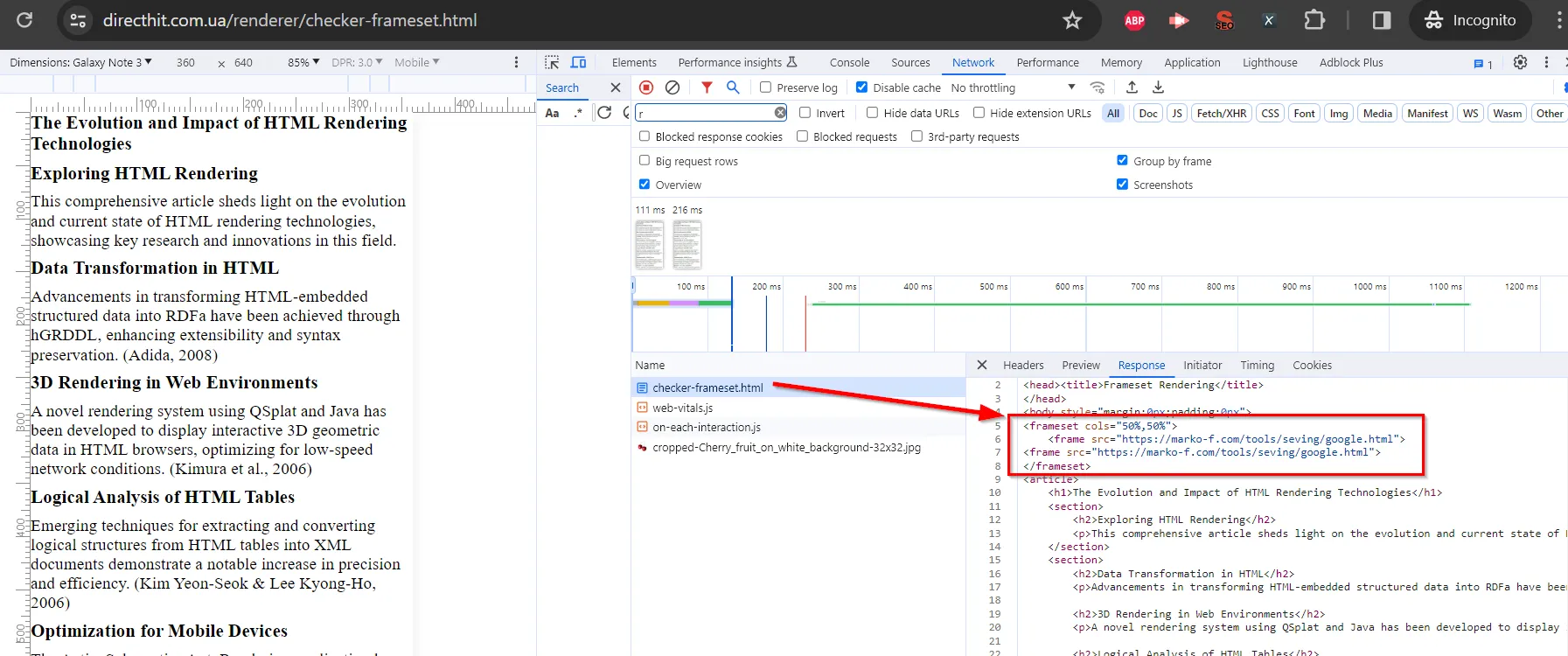
but it’s not in the processed HTML:
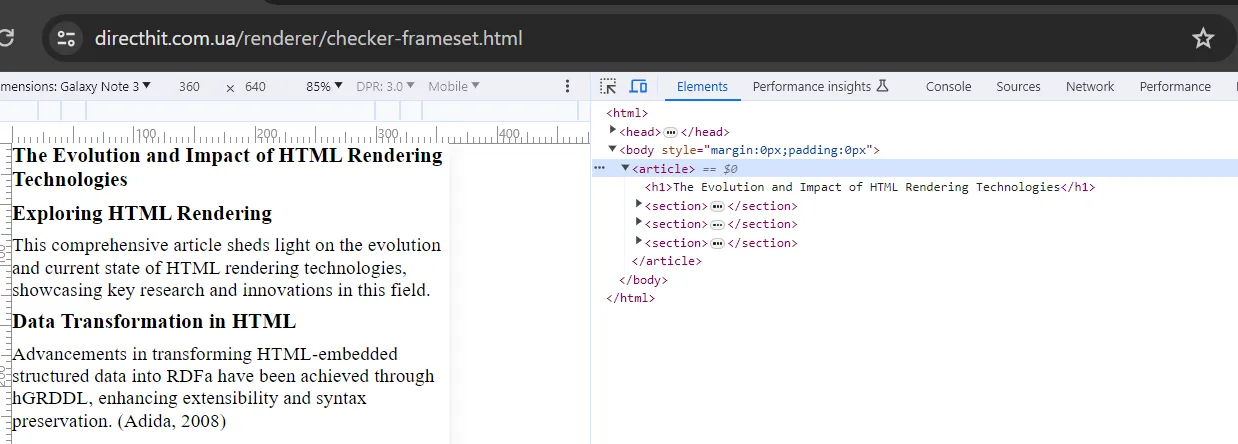
Same picture in the GSC Live Test.
Summing up all the tests:
-
Cache — stores what Googlebot processed.
-
iframe — on a page within a domain where you have GSC access, followed by indexing that page, also lets you view the content served to Googlebot.
-
All the other testing options gave no result for now. I won’t claim they don’t work, since the test was done quickly and I don’t rule out mistakes on my part.